
DISCLAIMER
The material on this website is provided to the general public and is for informational purposes only. Information contained herein does not reflect the opinion of Paley & Prehn, PLC and should not be relied upon as legal advice. You should consult an attorney for advice regarding your individual situation. Contacting us does not create an attorney-client relationship. Should you wish to hire an attorney at Paley & Prehn, PLC to represent you, you must first sign an agreement for legal services.
Recognize and Protect Yourself from Tax Season Phishing Scams
Welcome to yet another chapter in the ongoing saga of “humans versus scammers,” featuring the IRS’s latest rollout of the 2024 Dirty Dozen list. This guide will help you recognize and protect yourself from phishing scams during the tax season.
What is a Phishing Scam?
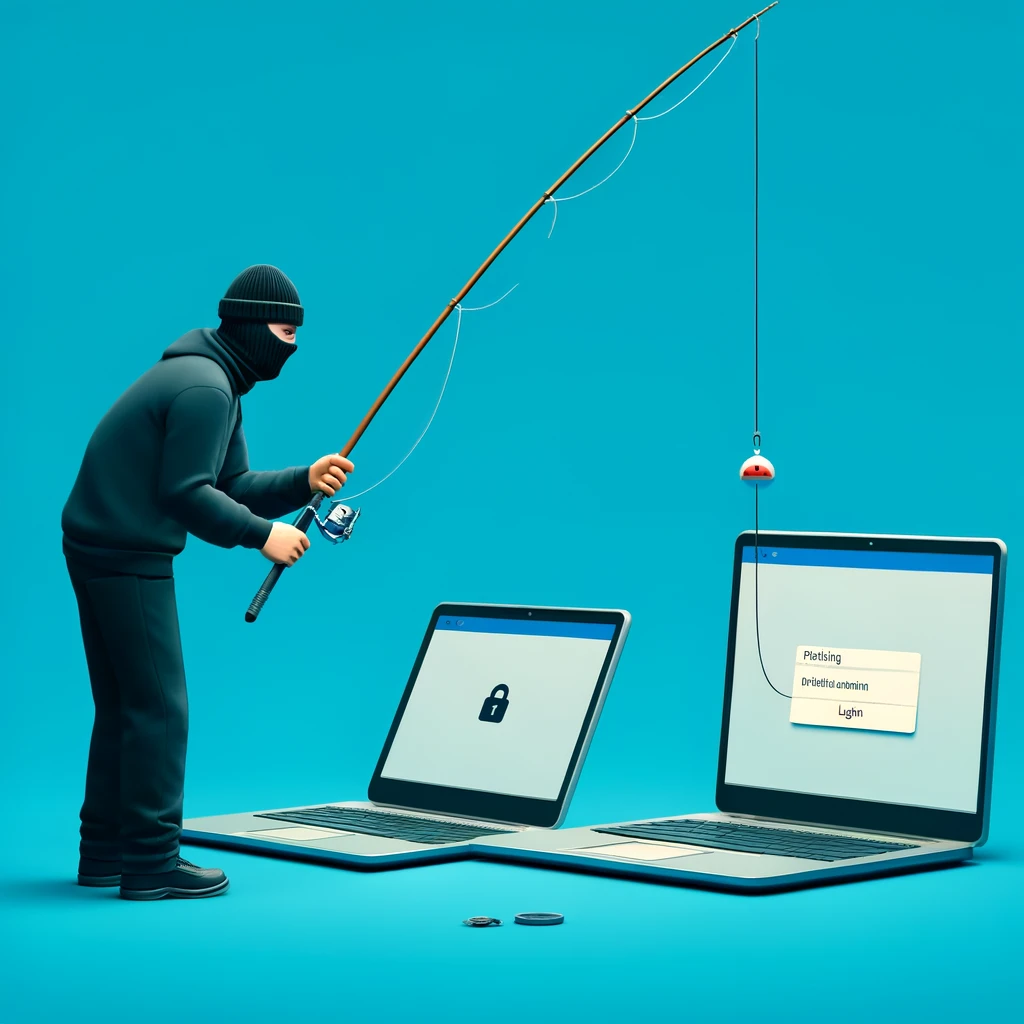
At its core, phishing involves charming the unsuspecting into giving up their sensitive information. The term “phishing” comes from “fishing” because these attackers are like anglers throwing out baited hooks, hoping you’ll bite.
Phishing is when criminals disguise themselves as trusted entities. They might pose as your boss, your bank, or a company you use frequently. Between 2013 and 2015, even corporate giants like Facebook and Google were tricked into losing $100 million through a phishing campaign where hackers impersonated a known associate.
Why are Phishing Scams Part of the IRS’s Dirty Dozen?
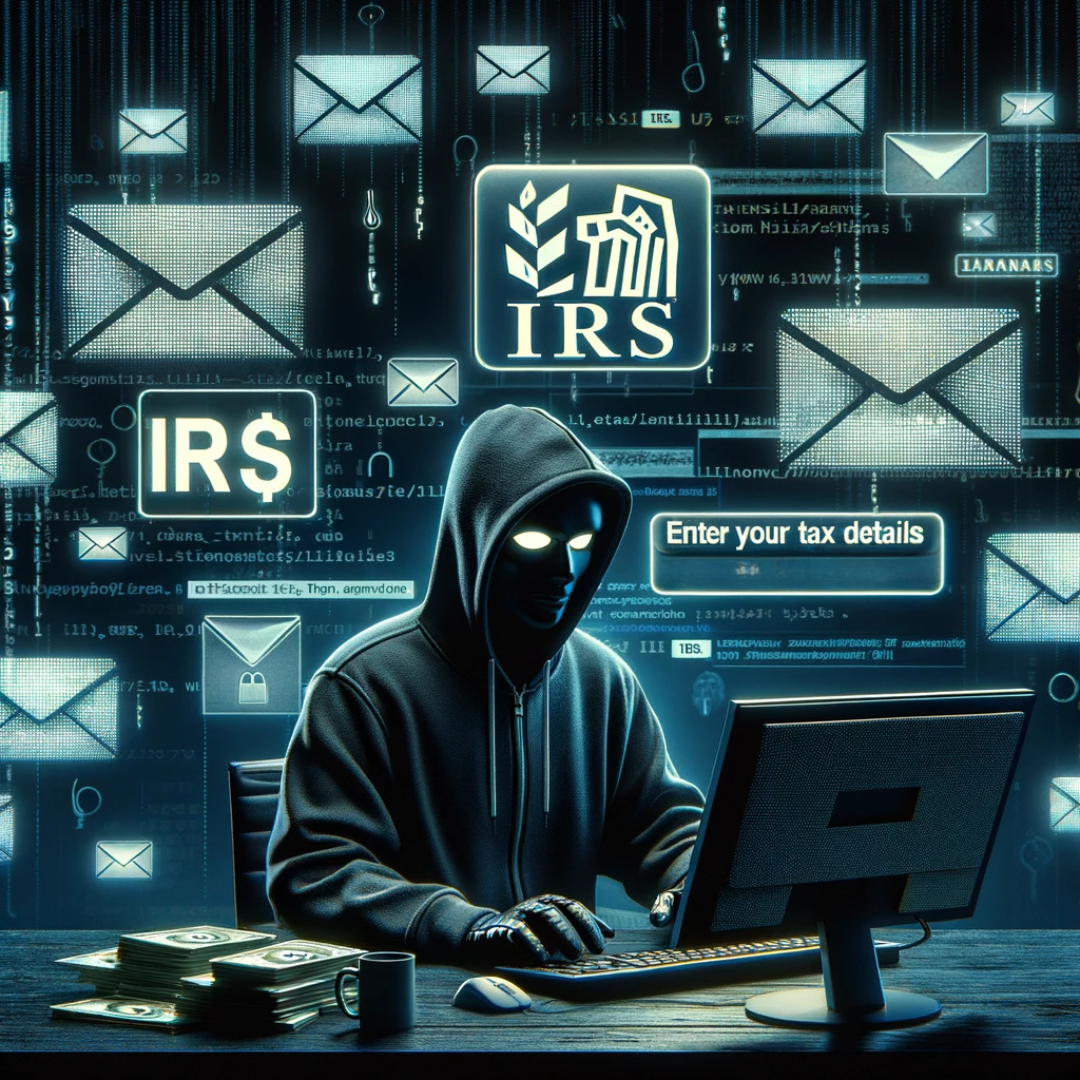
Phishing scams can take on any guise, but these attacks increase during tax season when individuals are more likely to receive legitimate communications from the IRS. These attacks involve cybercriminals impersonating IRS officials to swipe sensitive information.
Common IRS Phishing Techniques
Email Phishing
Fake emails that appear to come from the IRS, demanding your immediate attention and sensitive details. These emails often include urgent language, fake IRS logos, and requests for personal information.
Phone Phishing (Vishing)
Calls from scammers pretending to be IRS agents. Here, a more personal touch is applied—an urgent call from a faux IRS agent wielding threats of arrest or legal action to scare you into providing personal information.
Text Phishing (Smishing)
Fraudulent text messages claiming to be from the IRS. These messages may contain links to fake IRS websites.
Website Phishing
Fake IRS websites designed to steal personal information. These websites mimic the look and feel of the official IRS site, aiming to collect your personal information as you attempt to check your refund status or file taxes.
How to Prevent Phishing Attacks
Educate Yourself
Familiarize yourself with the IRS’s official communication methods. The IRS typically contacts individuals via mail for important matters.
Use Security Software
Install and update antivirus and anti-phishing software to protect your devices from malicious attacks.
Enable Two-Factor Authentication
Secure your accounts with two-factor authentication, adding an extra layer of security. Because two locks are better than one.
Stay Informed
Keep up with the latest IRS announcements and phishing alerts. Follow the IRS on social media or subscribe to their email updates.
Steps to Take If You Are a Victim of a Phishing Attack
Report to the IRS
Forward phishing emails to phishing@irs.gov. If you receive a suspicious call or text, report it to the IRS.
Change Passwords
Update passwords for any compromised accounts. Use strong, unique passwords for each account.
Monitor Your Accounts
Watch for unauthorized transactions or changes in your bank statements and credit reports.
Seek Professional Help
Contact identity theft protection services if necessary. They can assist in monitoring and recovering from identity theft.
IRS Communication Methods
The IRS has specific methods of communicating with taxpayers. Typically, the IRS will first contact you by mail, not by email, text, or social media. Official IRS letters will have a notice or letter number in the upper right corner, and you can verify the legitimacy of these letters on the IRS website. The IRS will never ask for personal or financial information through email. If you receive an email claiming to be from the IRS, do not respond or click any links. Instead, forward it to phishing@irs.gov.
Tips for Tax Season Security
Tax season is a prime time for phishing scams, so it’s crucial to take steps to secure your personal information. Here are some tips:
Shred Old Tax Documents
Shred any tax documents you no longer need to prevent thieves from obtaining your information.
Use Secure Wi-Fi
Avoid using public Wi-Fi when accessing sensitive information or filing your taxes online.
Check Your Credit Report
Regularly monitor your credit report for any suspicious activity.
Use Strong Passwords
Ensure your online accounts have strong, unique passwords, and change them regularly.
Keep Software Updated
Ensure your computer’s operating system, antivirus software, and web browsers are up to date to protect against malware.
Advanced Security Measures
To further protect yourself from phishing attacks, consider implementing these advanced security measures:
Use Encrypted Emails
When sending sensitive information, use encrypted email services to add an extra layer of security.
Install Anti-Phishing Extensions
Browser extensions can help detect and block phishing attempts.
Use a VPN
A Virtual Private Network (VPN) can help secure your internet connection and protect your data from cybercriminals.
Enable Security Alerts
Set up security alerts with your bank and other financial institutions to monitor for suspicious activity.
Regularly Back Up Data
Regularly back up your important data to a secure location to prevent loss in case of a cyber attack.
How Paley & Prehn Can Help You
Phishing attacks can feel personal and invasive, but by staying informed and cautious, you can protect yourself from becoming a victim. If you are unsure about a communication, please do not hesitate to reach out to us.